
Brands
Brands
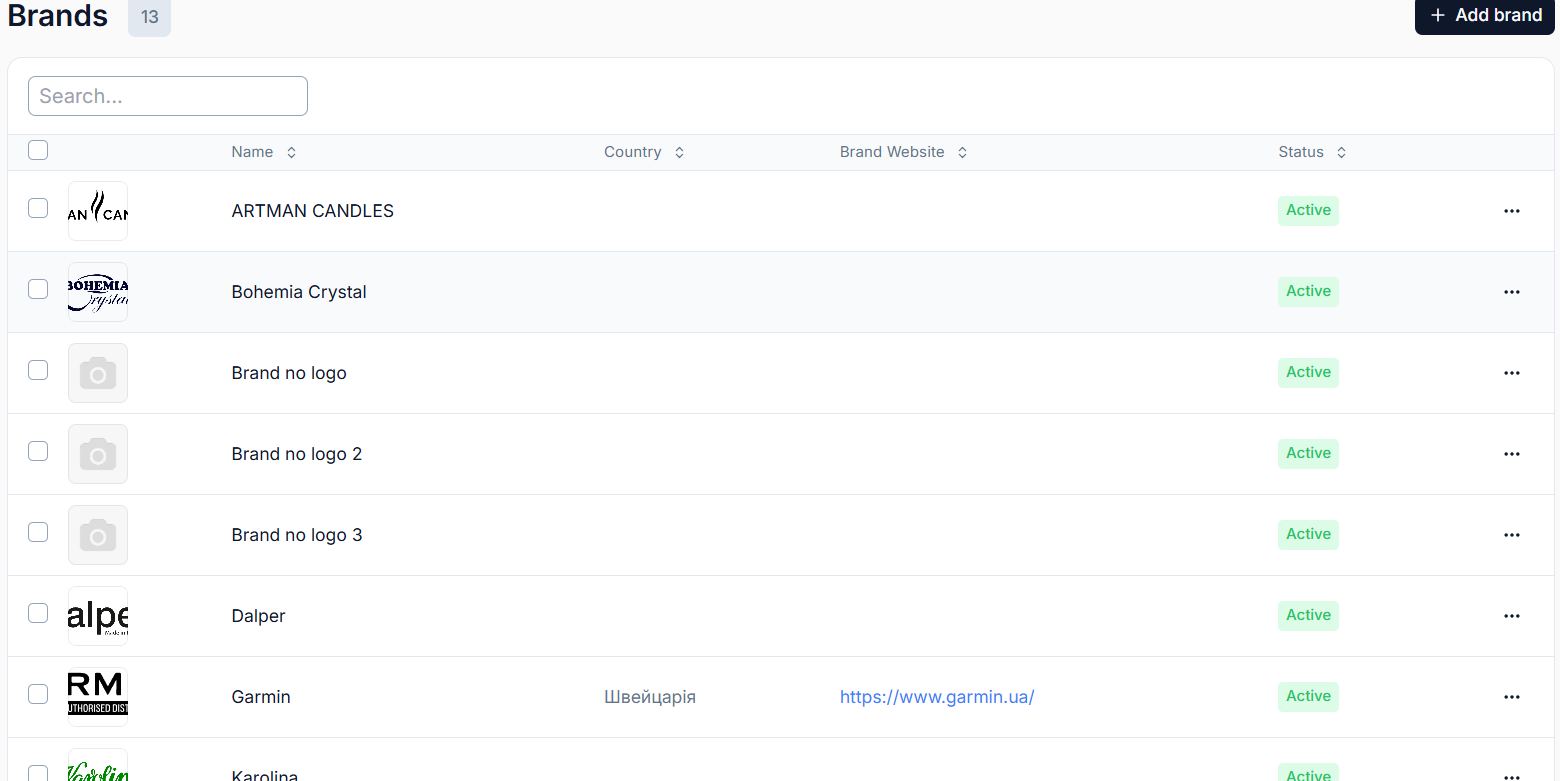
The Brands module allows you to manage the brands featured in your online store or content platform. It includes functionality for adding, editing, searching, activating, and configuring SEO settings for each brand.
The module helps you:
organize your product range by brand;
ensure multilingual support and SEO optimization;
easily manage the brand showcase, including temporarily hiding individual entries.
The list of brands is displayed in a table with the following columns:
Logo (if available).
Brand name.
Country of origin.
Link to the brand's website.
Status (active / inactive).
The interface supports searching, sorting, and bulk actions on entries.
Adding a New Brand
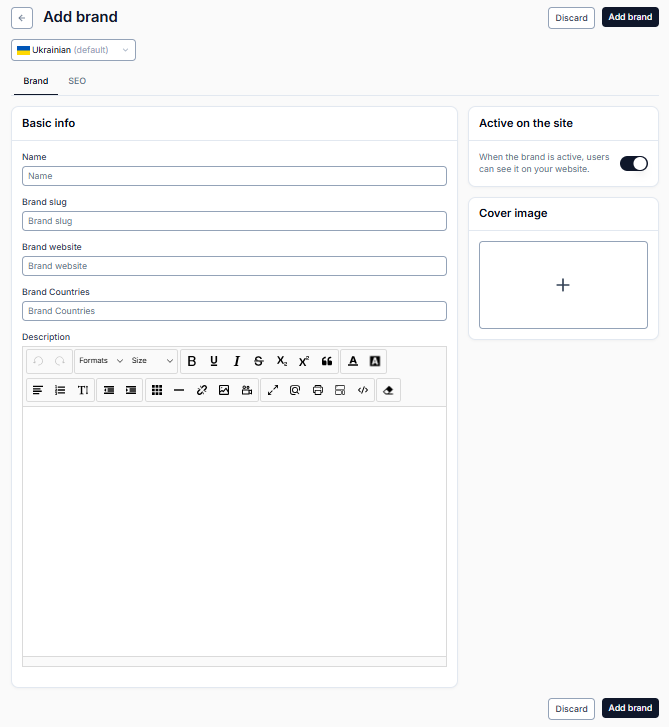
Brand Tab
Contains the main information:
Name — brand name.
Brand slug — unique identifier (URL-friendly).
Brand website — official brand website.
Brand Countries — country or countries of manufacture.
Description — detailed brand description (HTML editor with formatting options).
Cover image — logo or cover image.
Active on the site — activation toggle: when enabled, the brand is displayed on the website.
SEO Tab
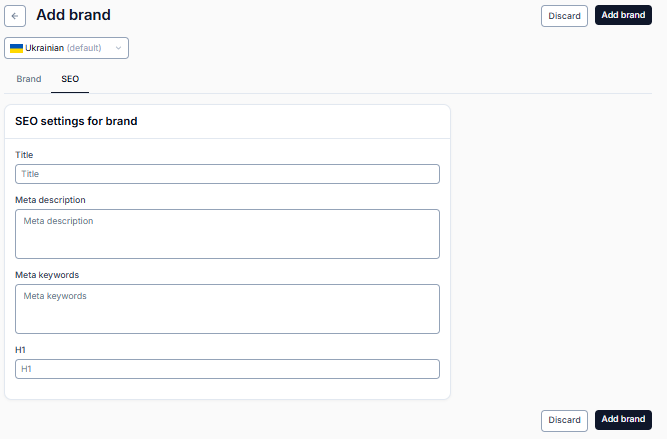
Metadata settings for each brand:
Title — SEO title of the brand page.
Meta description — description for search engines.
Meta keywords — keywords.
H1 — main page heading (displayed in the content).
User Actions
+ Add brand — opens the form for creating a new brand.
Discard — cancels the changes made.
Add brand / Save — saves a new or updated brand.